Mostbet for PC — Desktop Client for Windows and macOS
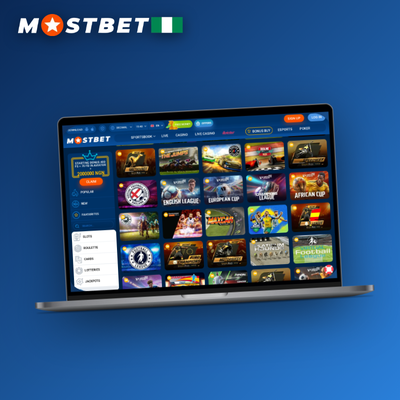
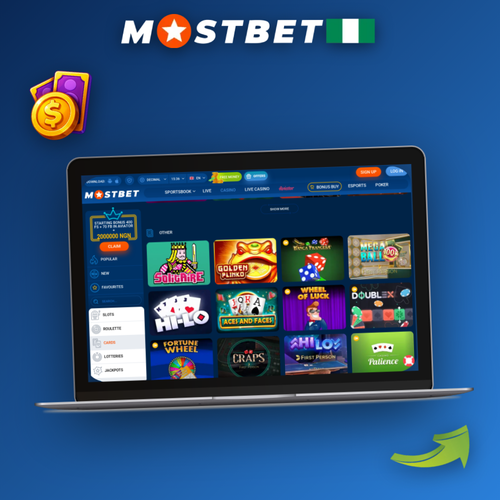
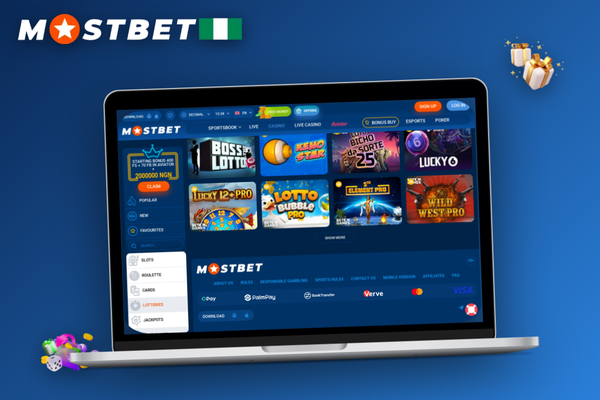
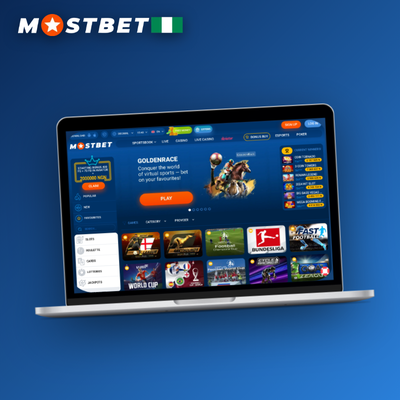
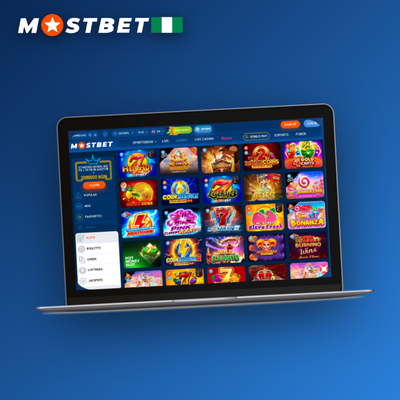
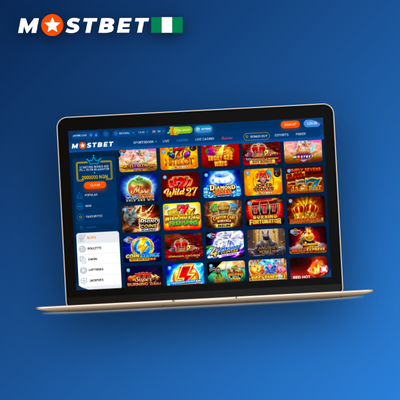
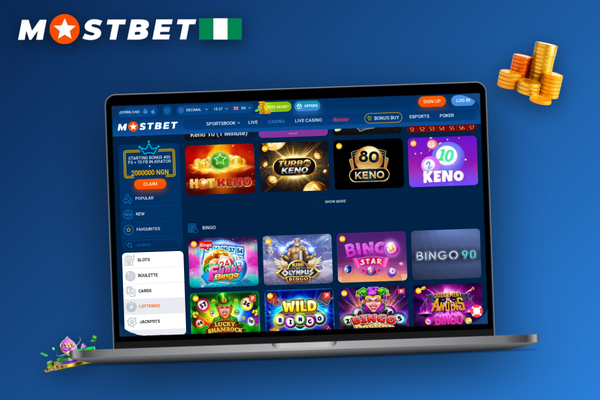
Mostbet for PC brings the full sportsbook and casino into a dedicated desktop window built natively for Windows and macOS. The client installs in minutes from the official source, keeping your session stable and fast without relying on a browser tab. Deposits and withdrawals are processed in Nigerian naira, so your funds stay straightforward to manage. Download the app and experience everything the platform offers from a clean, uninterrupted desktop environment.
Why choose the Mostbet desktop client
Mostbet for PC brings everything you enjoy on Mostbet online into a dedicated desktop window — no browser tabs competing for your attention, no dropped connections mid-bet. The desktop client runs natively on Windows and macOS, with Linux users covered through the browser, giving you a stable, full-featured experience whether you are placing live bets or streaming a match. The Windows app and macOS app share the same complete platform, so switching devices never means losing functionality.
Supported platforms
Windows, macOS, Linux (browser)
Core features
Full site functionality, live betting, live streaming
Local currency
NGN
Betting client type
Desktop client (native app)
The desktop client keeps your session clean and distraction-free, wrapping full site functionality — including live betting and live streaming — inside a dedicated window. Fullscreen mode removes browser clutter, while login synchronization means your credentials carry over instantly whenever you switch devices. Even those who manage a Mostbet affiliate account benefit from the persistent interface, tracking stats without juggling browser tabs. Next, check the hardware and OS requirements to confirm your machine is ready.
What your PC needs to run Mostbet
Before you complete the Mostbet download for pc, check that your machine meets the basic system requirements. The client is lightweight — it needs just 2 GB of RAM and minimal disk space — but a stable internet connection is essential for live betting. Review the full specs table below, and note that Mostbet casino login works seamlessly through the same desktop session.
Quick specs at a glance
Minimum RAM
2 GB
Windows app support
Windows (all modern versions)
macOS app support
macOS (all modern versions)
Screen resolution
1280 × 720 minimum recommended
Supported platforms
Windows, macOS, Linux (browser)
Staying within the recommended system requirements keeps your betting client running at its best — live streams load faster and CPU usage stays low during busy in-play sessions. Once your setup clears those thresholds, the desktop interface truly comes into its own. Before diving into what that looks like, grab the promo code Mostbet offers new players to get more value from your first deposit.
Windows and macOS: same client, native feel
Mostbet for PC ships a single installer that adapts cleanly to both Windows and macOS, so the experience you get on a Dell in Lagos is essentially the same one a MacBook user in Abuja enjoys. On Windows, the executable drops a shortcut on your desktop and integrates with the taskbar; on macOS, the app lands in your Applications folder with a dock icon ready to go. Either way, the client opens in a resizable window that respects each operating system's native controls — close, minimise, and maximise all behave exactly as you'd expect. Toggle fullscreen mode from the View menu and the sportsbook expands edge to edge, giving you the full live-betting and live-streaming layout without a browser tab in sight. The supported desktop platforms are Windows, macOS, and Linux via browser, so almost any desk setup is covered. Once installed, Mostbet online delivers the complete site functionality — markets, cashier, and casino — inside a dedicated window that stays put even when your default browser is busy elsewhere. Download the official installer from the Mostbet site and you are one shortcut away from a clean, distraction-free session.
Download the Official Mostbet Desktop App
Your device meets the specs — grab the verified installer directly from Mostbet and start playing in minutes.
Desktop client vs mobile app vs browser
Your setup determines which access method works best. The desktop client suits long sessions at home where you want a stable, dedicated window. A mobile app keeps betting within reach wherever you go. If you prefer zero installation, the browser version runs on any connected device without downloading a thing. The table below lays out how each option compares at a glance.
Side-by-side comparison
Feature
Desktop client
Mobile app
Browser
Install size
Full site, no separate download
45 MB (Android) / 78 MB (iOS)
None
Live streaming
Yes
Yes
Yes
Push notifications
Yes
Yes
No
Best use
Long Windows app or macOS app sessions at home
Betting on the move
Quick access on any device
Each format suits a different playing style. Settle into fullscreen mode on your PC for extended live streaming sessions where background updates keep odds and scores refreshed without any manual reload. Switch to the mobile app when you need a fast cash-out on the move, and open the browser version for the occasional bet on any device without installing a thing.
Five things the desktop client does better
Mostbet — Stay Focused, No Tab Clutter
Mostbet for PC runs in its own window, so browser tabs never steal focus mid-match.
Mostbet — Stream and Bet Simultaneously
Watch a match and keep your bet slip visible on the same screen with the desktop client.
Mostbet — Always Current, Zero Effort
Background updates run silently on launch, so the client always stays current.
Mostbet — Seamless Secure Login
Login synchronization keeps your account data ready across every session.
Mostbet — Pure Focus, Fullscreen Mode
No extensions or accidental tab closes — fullscreen mode keeps your focus locked in.
Live betting on a bigger screen
A wider display changes how you interact with in-play markets. With the desktop client open at full screen resolution, you can track multiple football or cricket matches simultaneously — live odds refresh in one column while your bet slip stays pinned on the right, always in view. The full site functionality, live betting, and live streaming that Mostbet online delivers are all present here, but the extra screen real estate means you never have to scroll past a market to check another. When a price moves and you want to act fast, the layout keeps every relevant figure visible without clicking back and forth. Cash-out decisions become noticeably calmer when the countdown timer, current offer, and match score are all readable at a glance — no squinting at a phone screen during a tense final ten minutes. Players in Lagos who have made the switch from mobile often cite this clarity as the biggest practical difference. The desktop client is built around that advantage: more information, less navigation, and every live-betting tool exactly where you expect it.
Keeping the client up to date and fixing issues
Each time you open the desktop client, it checks for updates and installs them silently — no manual downloads, no version mismatches. Background updates run in the background so your next session always starts on the latest build. Most users never hit a serious snag, but the handful of issues that do come up tend to fall into a short list: an antivirus warning flagging the installer, a blocked firewall port, or a login prompt after a fresh update.
Common issues and quick fixes
Antivirus warning on the installer — add the Mostbet folder to your antivirus exclusion list, then re-run the setup file.
Installer blocked by Windows SmartScreen — click "More info" on the SmartScreen prompt and select "Run anyway" to proceed with the installation.
Missing desktop shortcut after install — right-click the Mostbet executable in your Program Files folder and choose "Send to Desktop (create shortcut)".
Login synchronization error after update — sign out fully, clear the app cache from the settings menu, then sign back in to restore your session.
Slow or stuttering live streaming — switch your connection from Wi-Fi to a wired Ethernet cable, or reduce the stream quality in the player settings.
Auto-update loop that keeps restarting — disable your firewall temporarily, let the auto-update complete fully, then re-enable your firewall once the client launches cleanly.
Black screen on first launch — update your graphics drivers to the latest version and restart the desktop client.
Most issues you encounter with the desktop client clear up after a clean reinstall. Remove the existing version through your system's app manager, download a fresh copy from the official site, and run the installer again. If an antivirus warning reappears during setup, add the Mostbet folder to your security software's exclusion list before launching the file a second time. A firewall conflict can also block the client from connecting — open your firewall settings and whitelist the Mostbet executable to restore full access.
If a reinstall does not resolve the problem, the support team is available around the clock through live chat, email, Telegram, or phone — all reachable directly from within the client. Whether you are playing from Lagos or troubleshooting a connection drop in Abuja, help is never more than one click away. You can also reach the team through the Mostbet online portal if the desktop client itself will not open.
How to force a manual update
1
Close the desktop client
Quit Mostbet fully and confirm no background process is running via your task manager.
2
Get the latest installer
Use the Mostbet download for pc link on the official site to grab the newest installer build.
3
Run the installer over the existing version
Launch the file — it handles auto-update logic and replaces outdated files without a full removal.
4
Confirm login synchronization
Reopen the client; login synchronization restores your session automatically, so no re-entry of credentials is needed.
Always fetch updates from the official Mostbet site rather than third-party mirrors, which may bundle outdated or altered files. Whichever device you use — Windows desktop, macOS, or mobile — keep your responsible-gambling limits active so your sessions stay within the boundaries you set for yourself.
How to install Mostbet on your PC
The PC installation process is straightforward on both Windows and macOS — most players are placing their first bet within five minutes of starting. When you begin the Mostbet download for pc, the installer guides you through every step without any technical knowledge required. The sections below walk you through the full setup in order.
Step-by-step download and setup
1
Visit the official site
Open your browser and go to the official Mostbet online page to find the desktop client download link for your OS.
2
Download the installer
Click the Windows or macOS button to save the executable to your computer — the file is under 80 MB.
3
Run the executable
Launch the installer and follow the on-screen prompts to complete PC installation. A desktop shortcut is created automatically.
4
Sign in or register
Open Mostbet for PC via the shortcut, then log in or create a new account to access the full platform.
5
Make a deposit and bet
Fund your account — the minimum deposit is NGN 3,500 — then head to sports or casino and place your first bet.
Once the desktop client is installed, you can fund your account straight away using OPay, Moniepoint, a debit card, or crypto. Place your first bet or spin within minutes of logging in. Always download only from the official Mostbet source, and remember that access is strictly for players aged 18 and above.
First-Launch Tips
With the client open for the first time, a few quick adjustments will sharpen your experience straight away. Right-click the shortcut on your desktop and select "Pin to taskbar" so the app is always one click away — no hunting through folders before a big match. If you prefer a larger view, switch to fullscreen mode from the settings menu to fill your monitor and keep the interface clutter-free.
Next, head into the notifications panel and enable alerts for match starts and live odds changes. That way, whether you are in Lagos tracking a Premier League fixture or in Abuja following a local derby, you will never miss the moment a market opens. Finally, and most importantly, visit the responsible gambling section before placing your first bet. Set a deposit limit that reflects your personal budget — this is one of the most effective tools the platform offers for keeping your play within comfortable boundaries. Mostbet online gives you access to these controls at any time from your account settings, so you can adjust them as your habits change. A promo code Mostbet welcomes new players with can be entered in the cashier at this stage too, making it a natural moment to review all your account preferences in one go.
Mostbet for PC: frequently asked questions
Is the Mostbet for PC installer safe to download?
The official Mostbet download for PC comes directly from the Mostbet website and is fully secure. Always use the official source to avoid third-party files.
Why does my antivirus warning appear during installation?
An antivirus warning can trigger because the installer is not distributed through a standard app store. Add the file to your antivirus exceptions list and proceed — the official installer contains no malicious code.
Does one account work across desktop and mobile?
Yes. Login synchronization means your account, balance, and bet history stay consistent whether you access Mostbet for PC or the mobile app — no separate credentials needed.
How do I uninstall the desktop client cleanly?
To uninstall on Windows, open Settings, go to Apps, find Mostbet, and select Uninstall. On macOS, drag the app from your Applications folder to the Trash, then empty it to free all disk space used by the client.
How much disk space does the installer require?
The installer itself is lightweight. After a full installation, the client occupies a modest amount of disk space — ensure you have at least a few hundred megabytes free before you begin.
Get the Mostbet PC App
Download the official desktop client for Windows or macOS and manage all your bets in one dedicated window.